Add guest photos to what you already deliver. One QR code at the event, one gallery under your name.
Guests upload from their phones, no app to install. The venue screen shows the photos live, and the client gets one gallery with your logo on it. One more service on your offer, for photographers, event planners and venues.
Not a new business. One more line in the one you have.
You already shoot the wedding, run the conference or host the party. The guests' photos are the one part of the day nobody delivers. That makes them the one line your quote can have that the next one does not.
Snapeen is that line. Put the QR code at the event, let the venue screen show the photos, and send the client one gallery under your name. Charge for it as an add-on, or fold it into the package. Nothing changes in how you work on the day.
YSYour studioWedding package
Ceremony and reception coverage
Edited photos in an online gallery
Printed album
Guest photos, live wall and galleryAdded with Snapeen
Under your name, on every guest page
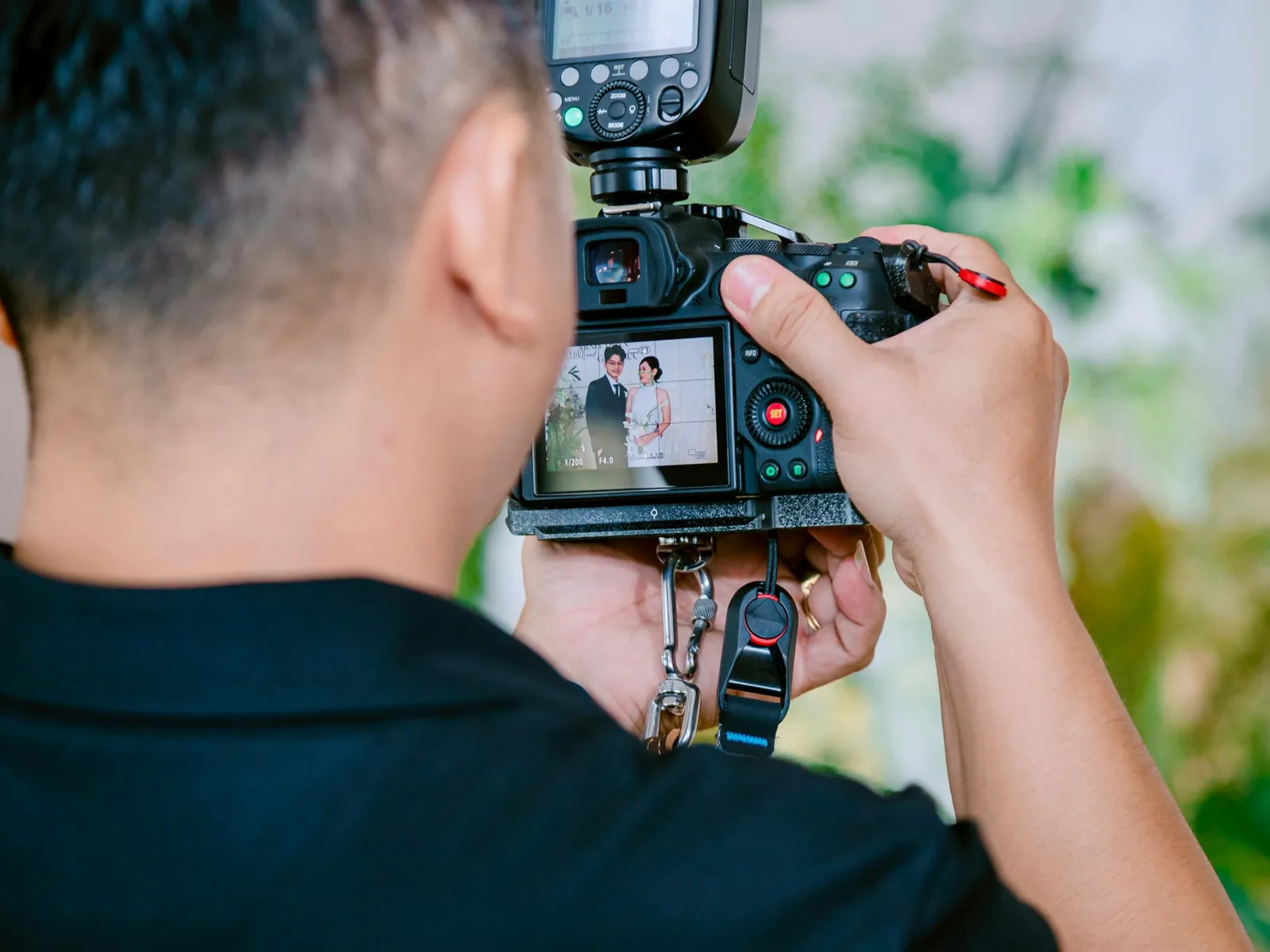
Photographers
Today
Your delivery ends where your camera did. The guests' angle on the first dance stays on their phones.
With Snapeen
Your photos and the guests' photos in one gallery, with your logo, sent under your name.
Event planners
Today
The couple asks who is collecting the guests' photos, and the answer is a group chat.
With Snapeen
A live photo wall and a guest gallery in your package. The couple or the company gets one link from you.
Venues
Today
The screen in the hall shows the same slideshow at every event.
With Snapeen
A live photo wall with every booking, your slides between the photos, and nothing extra for your staff.
What the service is: collect, present, deliver
01 · Collect
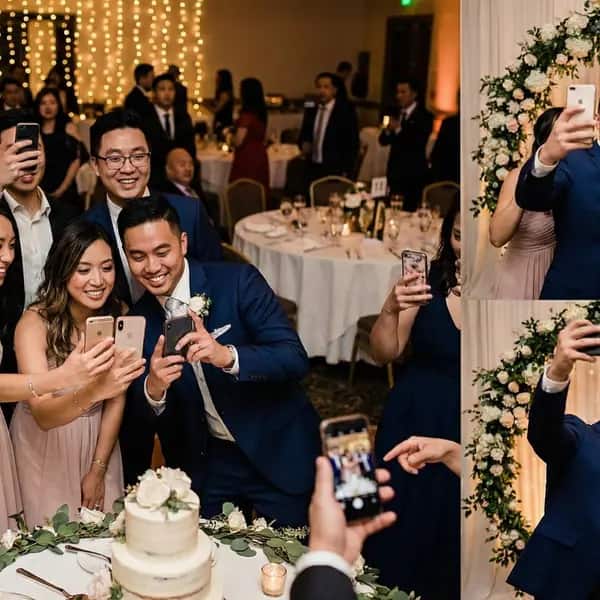
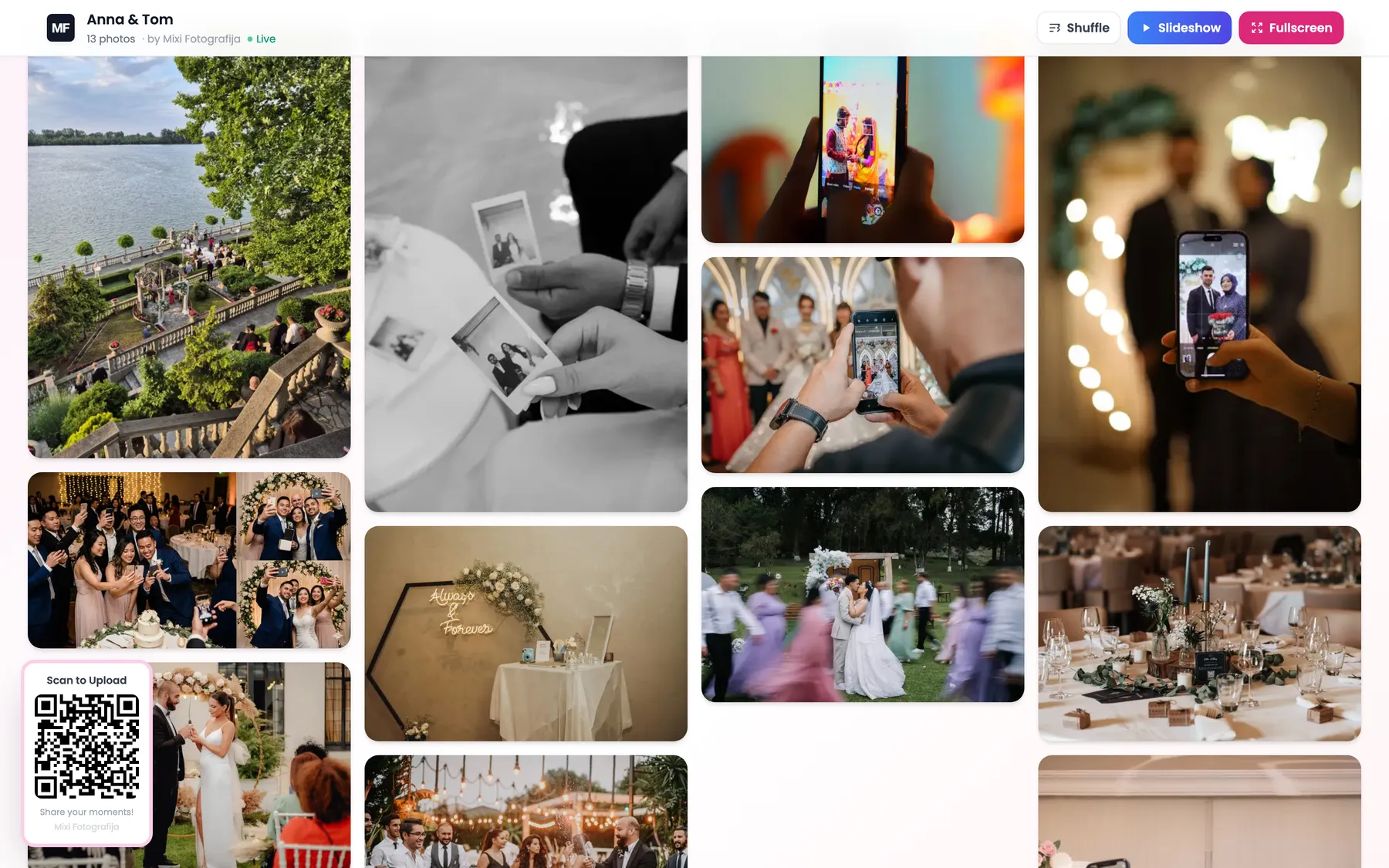
Guests scan. Their photos land next to yours.
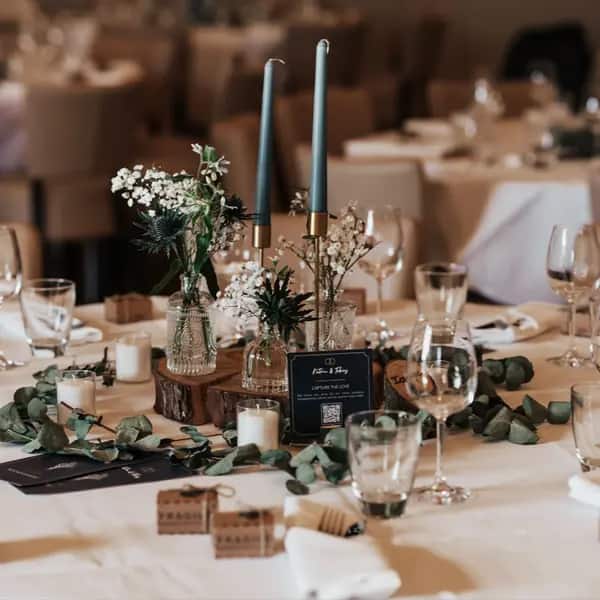
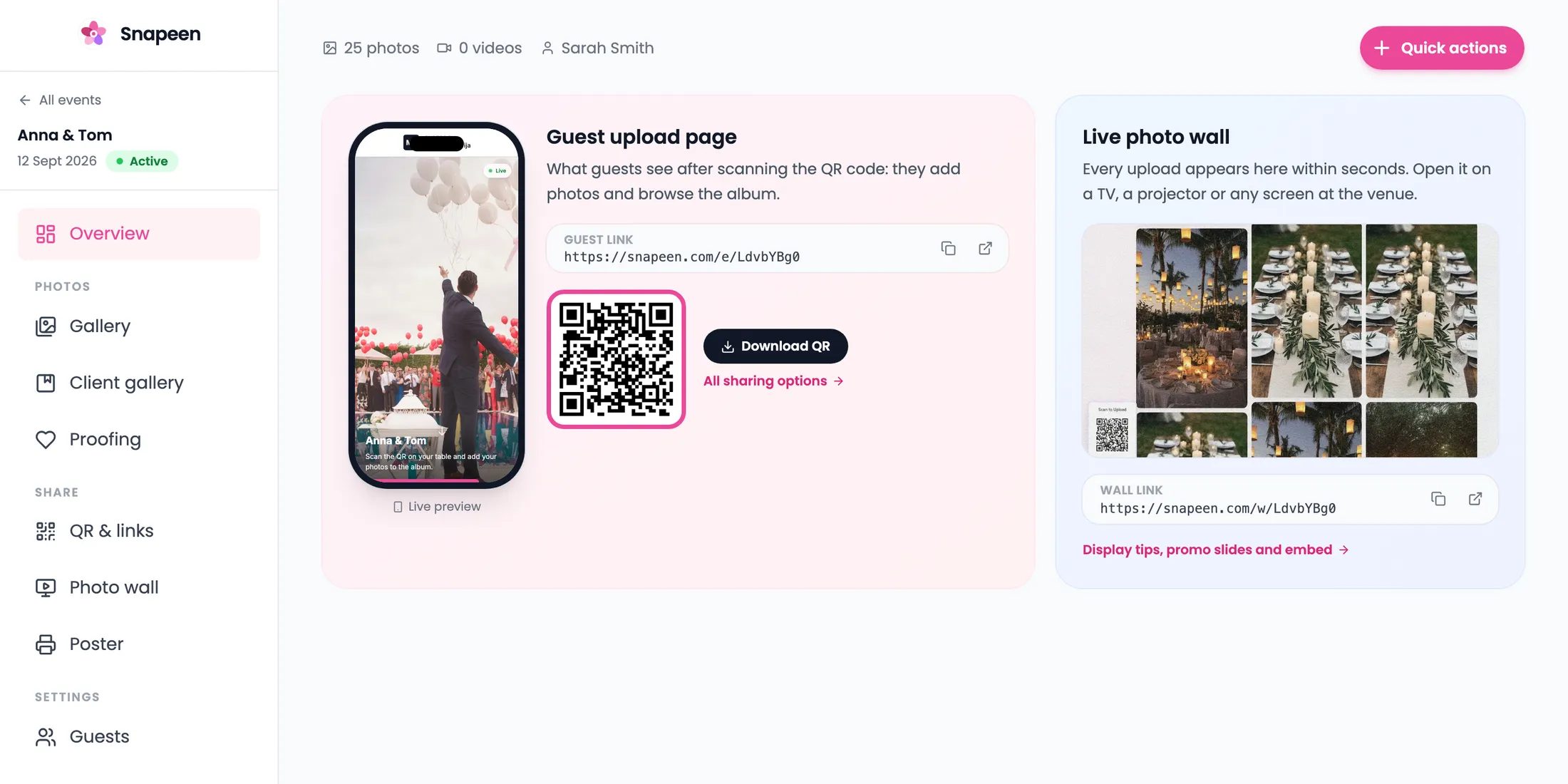
Print the QR code on a poster or a table card from Poster Studio, with your logo on it. Guests open it in their phone's browser and upload full-size photos and videos, with no app and no account. You do not touch it during the event.
No app
No account
Full-size originals
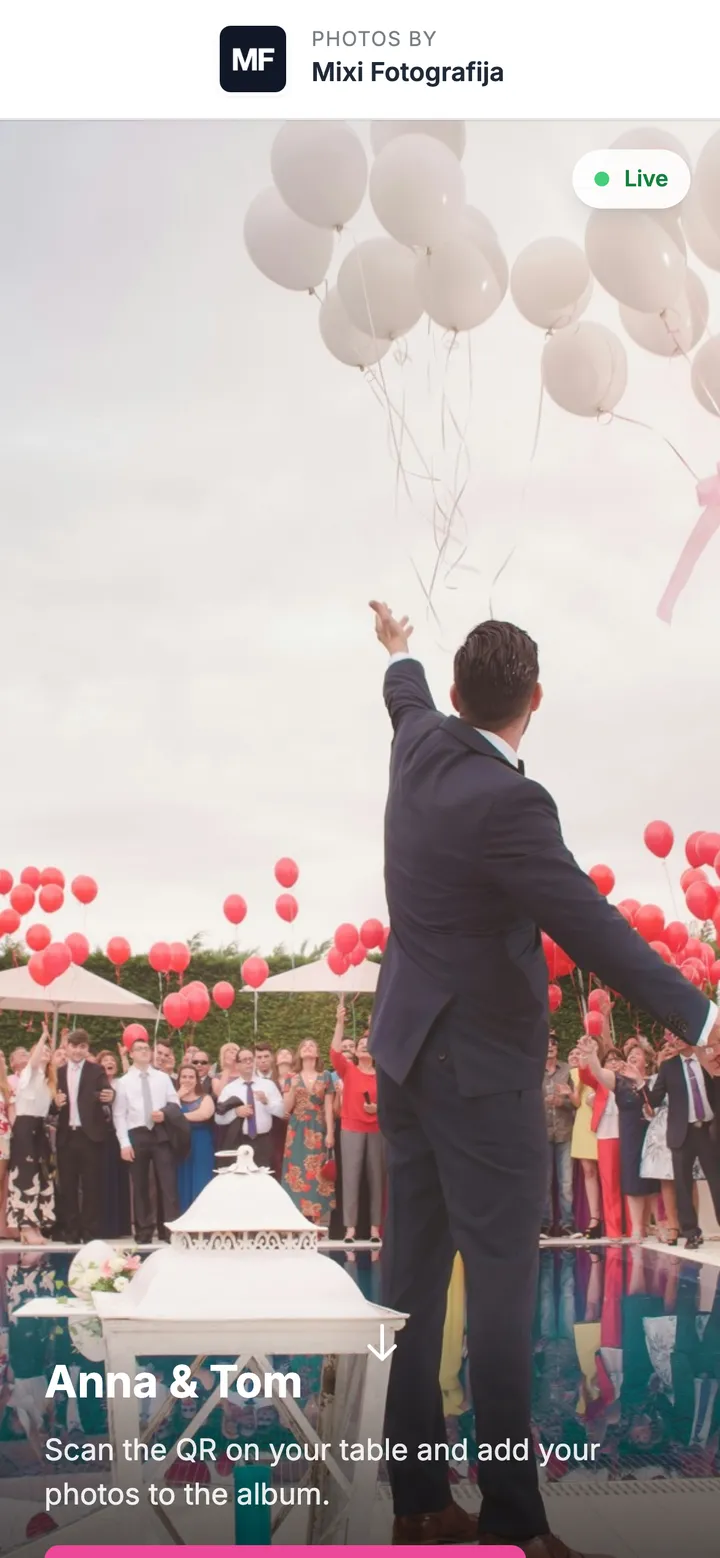
Anna & Tom
Scan to add your photos
snapeen.com/e/anna-tom
19:42
02 · Present
Put the photos on the screen at the venue, under your brand.
Open the live wall on any TV or projector and every upload appears within seconds. Hold uploads for approval if you want a curated wall, and run your own slides between the photos, so the screen sells you while it entertains the room.
Any screen
Approve before it shows
Your slides in between
03 · Deliver
One gallery with everything, sent under your name.
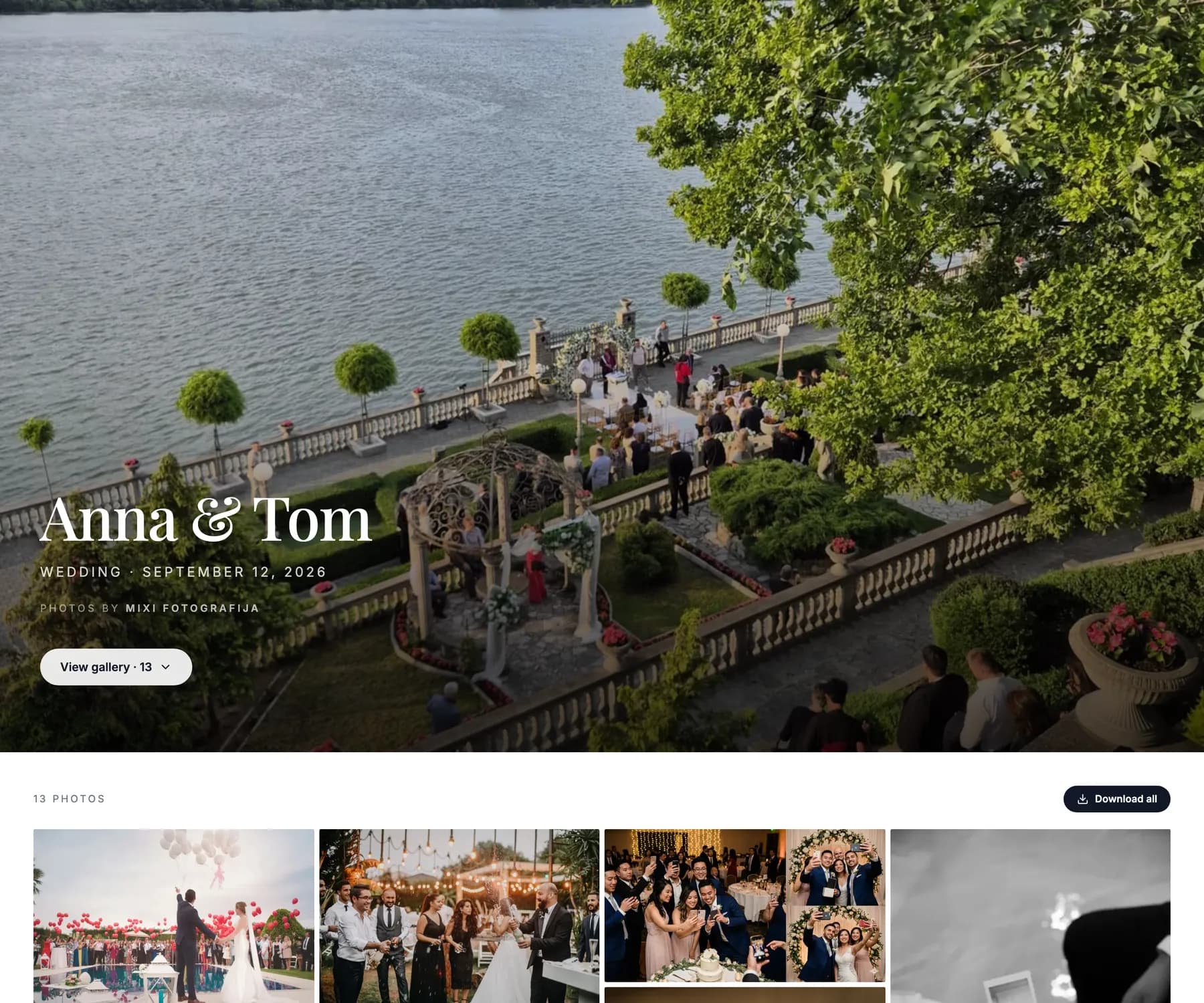
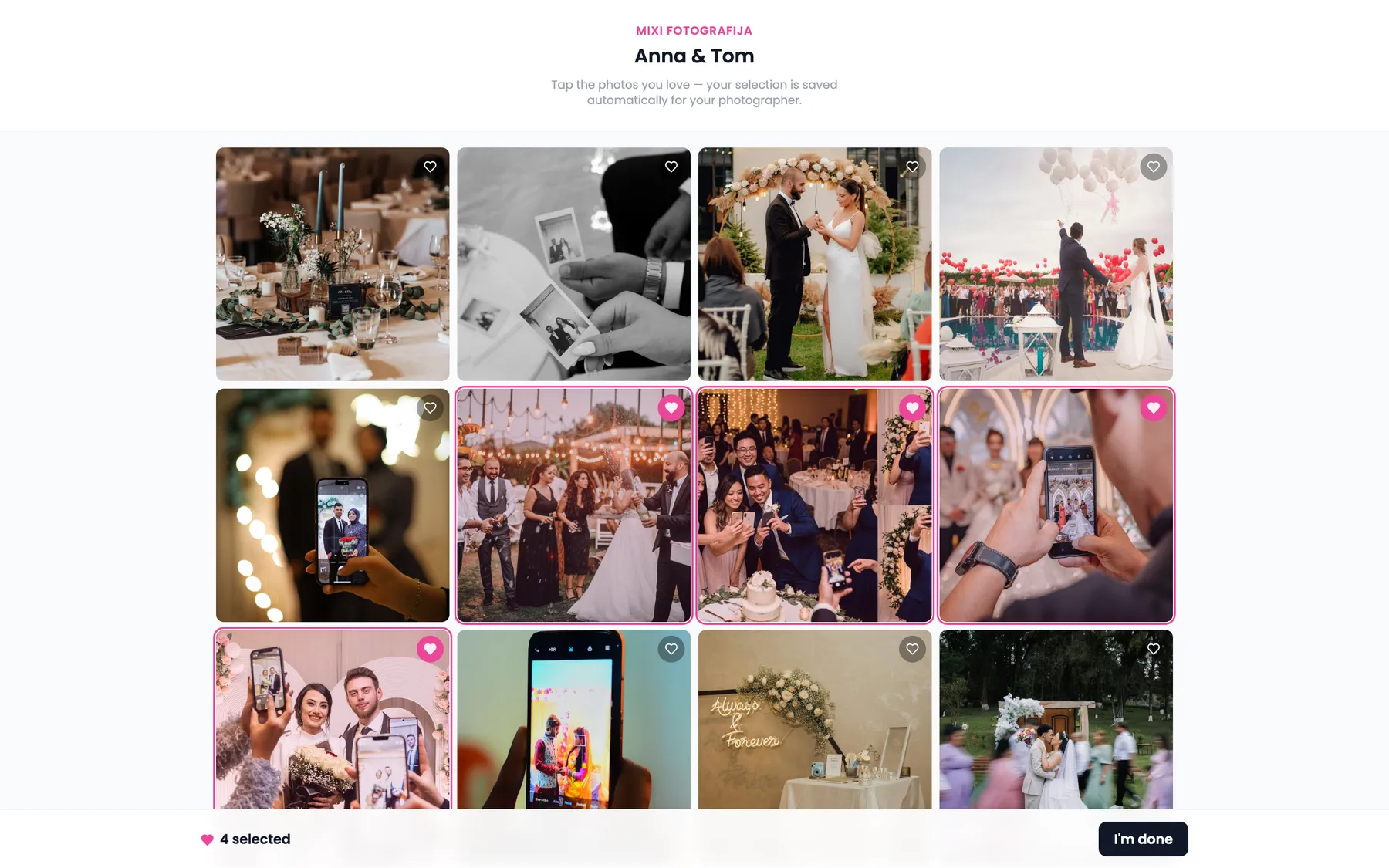
Add your own edited photos next to the guests' and send the client one gallery with your logo, an optional PIN and an expiry you choose. The client picks favorites in proofing, and you switch on downloads when you are ready.
Your photos and theirs
Your logo, PIN and expiry
Proofing and download
snapeen.com/g/anna-tom
Sent to the client
Gallery link
Your logo
PIN
On
Downloads
When you say so
How it works
Three steps. Nothing changes on the day.
1
Create the event under your brand
Set it up in Snapeen with your logo and colors, and print the QR code from Poster Studio, as a poster or a table card.
2
Guests scan and upload
The upload page opens in their phone's browser. No app, no account. The wall on the venue screen fills up on its own.
3
Add your photos, send one link
Afterwards, drop your own photos into the same gallery and send the client the link. They see your name, not ours.
snapeen.com/business/dashboard
Who adds it
Three businesses, one service to add.
Photographers
“I deliver my photos and the guests' photos in one gallery, under my name.”
Your edited set and the guests' uploads in one client gallery with your logo. On Studio and up, no Snapeen branding at all.
PIN, proofing and a download you switch on when you are paid.
One more line on your price list, and nothing new to carry on the day.
Deliver everything. Your photos and the guests', in one gallery.
You already deliver the ceremony and the portraits. Add the guests' side of the day: the table selfies, the bus ride and the dance floor at 2 a.m. Upload your edited set into the same client gallery, and to the couple it is one delivery, from one photographer, with your logo on it.
Sell it as an add-on or build it into the package. The couple picks favorites in proofing inside the same gallery, downloads stay off until you switch them on, and the watermark is your logo, not ours.
Put the QR code on the tables and the wall on the screen you already own. The guests' photos appear as the evening goes on, and your own slides run between them. Your staff sets up a poster and table cards, then does nothing else.
After the event, send the organizer the gallery link with your branding on it. It is a line for the booking page and a moment for the site visit, and it costs you nothing per event on Agency.
Only people with your QR code or link. Nothing is listed publicly or searchable. Client galleries are link only, with an optional PIN and an expiry you set.
Who owns the photos
The people who took them keep their rights. You control the album: the link, the PIN, the expiry and deletion. Snapeen holds a license only to run the service. It never uses photos for marketing and never trains AI on them.
How long files are kept
After an event ends, files stay for 90 days on Solo, 1 year on Studio and forever on Agency. You can delete an event and its photos at any time. Deletion is final.
Your guests' data
You and your guests have GDPR rights to access and delete personal data. Guest names and emails are only collected if you turn on the guest form, and only guests who consent are exported. Photos are stored with Amazon Web Services.
Every plan starts with 14 days free on Studio features, with 2 events, watermarked previews and downloads that unlock with a plan. No card. Pick a plan and the watermark comes off your trial events; otherwise they close when the trial ends and their files are kept for 30 days. Yearly plans include the full year up front; monthly plans unlock a twelfth of it each month, and unused events carry over.
No. Guests scan the QR code or open the link, and the upload page opens in the phone's browser. They pick photos or videos and tap upload. There is no account and nothing to install, on iPhone or Android.
Do I need to change how I work on the day?
No. You print the QR code before the event and put it on the tables or on a poster at the entrance. Guests upload on their own, the wall runs on the venue screen on its own, and you do what you came to do. The next time you open Snapeen is when you send the client the gallery.
How do I charge my clients for it?
That is up to you. Put it on the price list as an add-on, or include it and price the package accordingly. Snapeen bills you a flat monthly or yearly plan, not per event, per photo or per client, so whatever you charge for it stays with you.
Can I put my own photos in the same gallery?
Yes. Upload your edited set from your computer into the client gallery, next to the photos the guests uploaded, or start from the client's proofing picks. The client opens one gallery with your logo on it and everything from the day inside.
Will guests actually upload?
We cannot promise a number, and nobody honestly can. What we can say is what removes the excuses: no app, no login, and the photos on the screen at the venue, so guests see their own appear a minute after taking it. A QR card on every table and one line from the host or MC do the rest.
Who owns the photos, and who can see them?
The people who took the photos keep their rights. You control the album: the link, the PIN, the expiry and deletion. Only people with your QR code or link can reach it, nothing is listed publicly. Snapeen holds a license only to run the service. It never uses photos for marketing and never trains AI on them.
Can I use it for multiple events?
Yes, that is the point of a Business account. Solo includes 24 events a year, Studio 72, Agency unlimited, counted over a rolling 12 months from the day you create each one. A busy June and a quiet January add up the same. On yearly billing the whole year is available from day one; on monthly billing a twelfth of it unlocks with each payment (2 a month on Solo, 6 on Studio) and unused events carry over, so a slow spring still leaves you a full summer. Each event has its own QR code, wall and client gallery, all under your brand.
What happens when the 14 days are over?
Nothing is charged, because no card was taken. If you pick a plan, everything you set up carries over, the Snapeen watermark comes off your trial events and their downloads open. If you do not, the trial events close to new uploads, their galleries stay viewable for 30 days with the watermark, and then the files are deleted. Originals and downloads unlock the moment a plan is on the account, and choosing one later reopens the events.
What do I do with 1,400 photos?
Turn on approval and every upload waits for you before it reaches the wall, so the screen only shows what you cleared. Afterwards the client picks favorites in proofing, inside the same gallery, so you do not sort for them. When you want everything, download the whole event as one zip and the guest list as a CSV.
Will guests see Snapeen or my business?
Your business. Your logo and colors are on the guest page, the wall and the client gallery on every plan. On Studio and Agency the Snapeen name disappears completely, so to guests and clients this is simply a service you offer.
How long are the files kept?
After an event ends, files stay for 90 days on Solo, 1 year on Studio and forever on Agency. You can delete an event and all its photos at any time. Deletion is final, so download what you need first.
Add it to your next quote.
Set up your brand today. It is on the offer before your next event.