How to Share Wedding Photos with Family and Friends (2026 Guide)
The best ways to share wedding photos with family in 2026 — cloud galleries, QR codes, printed books, and how to make sure everyone gets access without the usual hassle.

Quick Answer
The best way to share wedding photos with family is a private gallery link — from your photographer's delivery platform or from Snapeen if you collected guest photos. Share the link via group chat or email with a note about downloading originals. For family who prefer physical copies, order a small print run from a service like Artifact Uprising within the first 3 months.
What is the best way to share wedding photos with family?
The best way to share wedding photos with family in 2026 is a private online gallery link — either from your photographer's delivery platform or from a service like Snapeen where you upload and share yourself. A gallery link allows family members to browse on any device, download individual photos or the full collection at any time, and share the link further with relatives who weren't at the wedding. This beats every older method: email attachments are limited to 20–25MB per message and require multiple sends for a full gallery; WhatsApp compresses photos by up to 70%, making prints impossible; USB drives get misplaced; and social media albums are public by default and apply heavy compression. A private gallery link is permanent, accessible from any phone or computer, and requires no account from the family member receiving it.
How to share photos your photographer delivered
Most wedding photographers deliver photos through a platform like Pixieset, ShootProof, or CloudSpot. These platforms send you a gallery link when your photos are ready. To share with family: open the gallery link, look for a "Share" or "Client Gallery" button, and copy the shareable URL. Some photographers set a download PIN — if yours did, include it alongside the link when you send it. Share the link via: a family group chat (make it clear it is a download link, not just a preview), an email to immediate family with a note that they can download originals, or a family WhatsApp group with the instructions "long-press a photo to save it in full quality." The one thing to check before sharing: whether your photographer's plan includes download access for guests or only for the primary account. Some delivery platforms require the photographer to explicitly enable guest downloads — if family members can view but not download, ask your photographer to enable "guest download" in their gallery settings.
How to share guest photos alongside professional photos
If you used Snapeen or another QR code platform to collect guest photos, you now have two galleries — the professional delivery and the guest collection. The best way to share both with family is a brief message: "Here are our two photo galleries — [Professional Gallery Link] from our photographer [Name], and [Snapeen Link] for all the guest photos from the day. The guest gallery has a download button in the top corner for the full collection." Sending both at once, clearly labeled, means family members see the complete story of the wedding: the polished professional portraits alongside the candid guest perspective. Many couples find that grandparents and older relatives prefer the guest photos because they feature familiar faces in candid moments rather than posed portraits.
How to create a wedding photo album to share with family
Printed photo books are the most lasting way to share wedding photos with parents and grandparents who may not be comfortable navigating digital galleries. Services like Artifact Uprising, Chatbooks, and Minted allow you to create a photo book directly from an online gallery link. A standard 20-page softcover book starts at $30–50; hardcover premium albums run $100–250. For sharing with immediate family, a practical approach is to order two or three copies at once — one for yourselves, one for each set of parents. Choose a mix of 40–60 images: professional portraits for the cover and formal sections, and guest photos for the candid spreads inside. Most print services deliver within 5–10 business days. Create the book within the first three months while the memories are fresh — the 61% of couples who "plan to do it later" often find the project never happens.
How to share wedding photos on social media without losing quality
Every major social platform compresses photos on upload. Instagram reduces quality by approximately 40–60% and adds a maximum resolution cap of 1080px on the longest edge. Facebook is similar. If you are sharing wedding photos on social media and care about how they look, the best practice is: export at 2048px on the longest edge (Instagram's recommended size for best display), use sRGB color space, and save as JPEG at 85–90% quality rather than PNG. For story-format content, Instagram and Facebook prefer vertical images at 1080×1920px. TikTok and Reels apply the most aggressive compression of any platform — if you are posting wedding highlight video, export from your editor at the highest quality setting and let the platform compress; attempting to pre-compress often produces worse results than letting the platform handle it.
How to organize and send photos to family who weren't at the wedding
For family members who couldn't attend — elderly relatives, international family, guests who had to cancel — sharing the gallery link is the first step, but a curated selection often matters more. Consider creating a separate shared album of 30–50 highlights (key ceremony moments, family group shots, reception highlights) in addition to the full gallery. You can do this in Google Photos or iCloud in under 10 minutes: create a shared album, add your selected photos, and share the album link separately. This gives family members a quick, curated view of the day without needing to browse through 800 images to find the key moments. For elderly relatives who prefer printed photos, identify 5–10 images from the professional gallery and a few candid guest shots, and order 4×6 or 5×7 prints from a service like Walmart Photo or Shutterfly — printed sets cost $0.15–0.50 per print and ship within a few days.
Common sharing mistakes to avoid
Sharing low-resolution screenshots instead of original files: Screenshots from an iPhone are 72dpi and will look blurry when printed at 4×6 or larger. Always share the download link from the gallery, not a screenshot.
Waiting too long: Photographer gallery links often expire after 6–12 months on photographer platforms. Download your full gallery to your own storage within the first month and share from there rather than relying on the photographer's platform indefinitely.
Sharing a WhatsApp compressed version as "the photos": If you send 10 photos through WhatsApp and family members use those to print, the prints will be soft and washed out. Make clear which method produces originals.
Forgetting to notify people the gallery is ready: A gallery link buried in an old text thread will be missed. Send a dedicated message — "Our wedding photos are ready!" — with the link when you first share it.
See also: How to collect wedding photos from guests with a QR code · How to avoid losing wedding photos · Wedding photography statistics 2026
Frequently Asked Questions
The best method is a private gallery link — either from your photographer's delivery platform (Pixieset, ShootProof, etc.) or from a guest photo platform like Snapeen. Share the link via email or group chat and make clear how recipients can download originals. For older relatives, printed photo books from services like Artifact Uprising or Chatbooks are ideal.
Share the download link from your photographer's gallery or from Snapeen — these serve original quality files. Avoid sharing photos through WhatsApp (70% compression) or as Instagram screenshots (capped at 1080px). For social media posts, export at 2048px on the longest edge at 85% JPEG quality.
Photographer gallery links on platforms like Pixieset and ShootProof typically expire after 6–12 months on standard plans. Download your full gallery to your own storage (Google Photos, iCloud, or an external drive) within the first month so you are not dependent on the photographer's platform indefinitely.
For relatives who are not comfortable with smartphones or digital galleries, order printed copies. Services like Walmart Photo or Shutterfly print 4×6 or 5×7 photos for $0.15–0.50 each and ship within 5 days. Select 10–20 key images and order a small set specifically for grandparents and family who prefer physical photos.
Topics

Written by
Sarah Johnson
Helping couples and event planners capture every precious moment with modern QR code photo sharing technology.
Ready to collect your event photos?
Set up your QR code in 2 minutes. Guests scan and upload instantly — no app needed.
Continue Reading
Related Articles
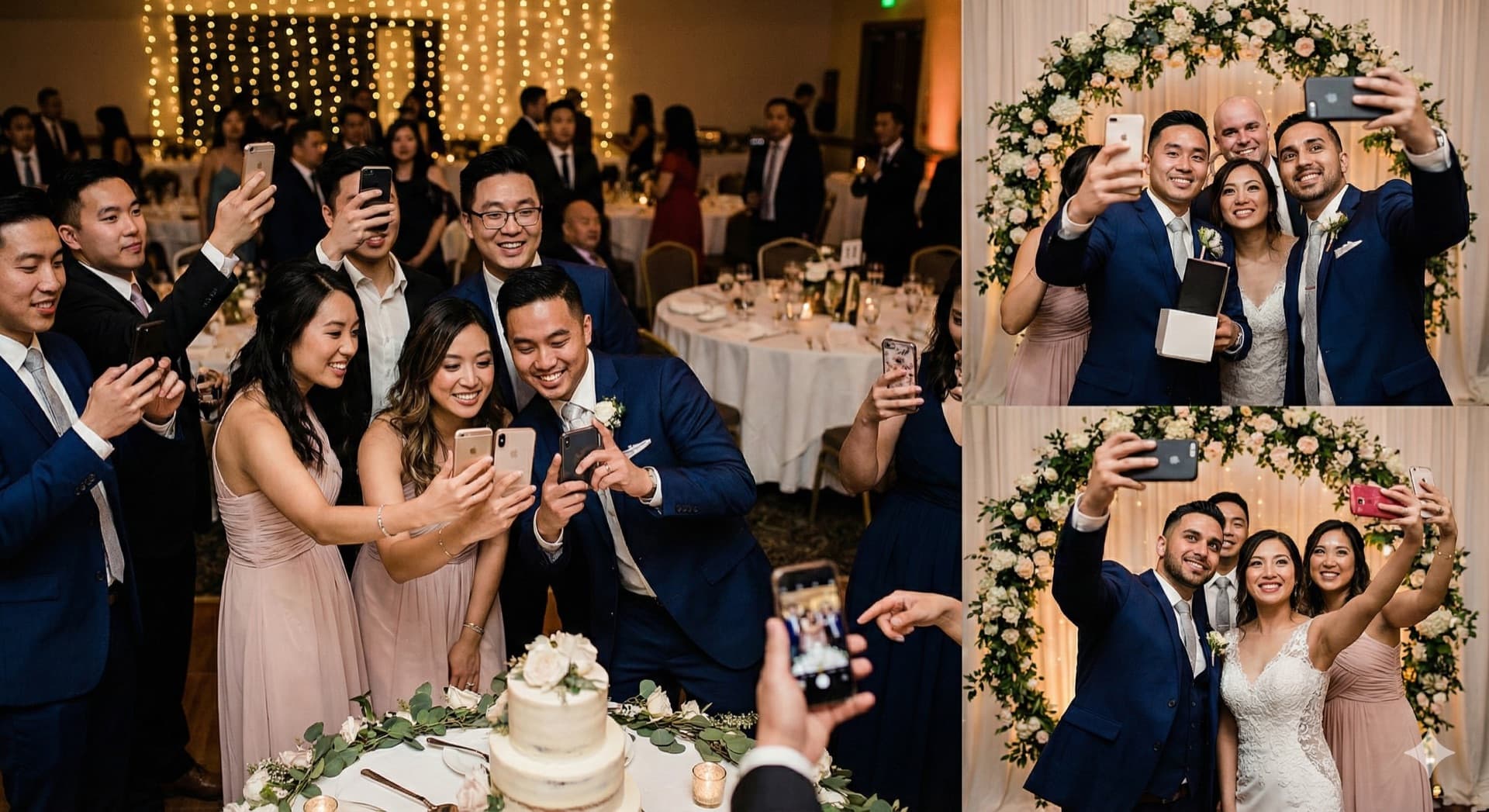
How to Collect Wedding Photos from Guests: 5 Methods Compared (2026)
The easiest way to collect wedding photos from guests is a QR code that opens an upload page in their phone browser. Here is how it compares with shared albums, group chats, hashtags and disposable cameras, and the three things that decide how many photos you actually get.

10 Ways Couples Lose Wedding Photos (And How to Prevent It)
Don't let precious memories disappear! Learn the most common ways couples lose wedding photos and simple solutions to protect them.

10 Creative Ways to Display a QR Code at Your Wedding (More Uploads)
Where you display your wedding QR code decides how many guest photos you collect. Ten placements ranked, with the size, wording and print tips for each: table cards, welcome sign, program, bar, live wall and five more.