Dropbox for Wedding Photos: Why It's Not the Best Choice
Sharing a Dropbox folder for guest photos is free and familiar, but it's built for file storage, not live event collection. Here's where it falls short — and when it's genuinely fine to use.

Quick Answer
A shared Dropbox folder is free but wasn't built for live event photo collection — no prompt to contribute, no live view, easy-to-misconfigure permissions, and account friction on mobile. Couples relying on it alone collect a few dozen guest photos, versus 100 to 350 with a dedicated QR code gallery.
Quick answer
A shared Dropbox folder works, but it wasn't built for collecting photos from a room full of wedding guests. The core problems are all friction-related: guests need a Dropbox account or have to fight through a "download the app" prompt on mobile, folder permissions are easy to misconfigure, there's no live view of what's coming in during the reception, and nothing prompts guests to actually open the link in the first place. Couples who rely on a shared folder alone typically collect 40–80 guest photos — a fraction of what a dedicated QR-code gallery collects from the same size guest list.
Where a Dropbox folder actually falls short
Guests need an account, or hit a wall. Uploading to a shared Dropbox folder from a phone browser without an account is possible but clunky — many guests get redirected toward creating an account or installing the app first, and a meaningful share of them simply give up at that point.
No live visibility during the event. There's no way to display incoming photos on a screen at the reception, and no notification when someone uploads. The energy loop that drives participation — guests seeing their own photo pop up seconds after taking it — doesn't exist with a static folder.
Permissions are easy to get wrong. "Anyone with the link can view and edit" sounds simple, but it also means anyone with the link can delete or rearrange what's already there. Couples who've had a folder accidentally emptied by a guest cleaning up their own uploads are not a rare story.
Quality is fine, but organization isn't. Unlike messaging apps, Dropbox doesn't compress photos — that part is genuinely fine. The problem is 80 guests dropping files into one folder with no timestamps, no guest attribution, and no way to tell who took what.
Nothing prompts the guest to contribute. A shared link has no built-in reason for a guest to remember it exists. Compare that to a QR code physically sitting on their table with a "scan to share your photos" card — the passive nature of a shared folder link is the single biggest reason participation stays low.
Dropbox vs a dedicated QR code gallery
| Dropbox shared folder | QR code gallery (Snapeen) | |
|---|---|---|
| Guest photos collected (typical) | 40–80 | 100–350 |
| Guest effort | Account or app prompt, manual navigation | Scan, tap, upload — under 30 seconds |
| Live slideshow during event | Not available | Available on paid plans |
| Accidental deletion risk | High — edit access often shared with view access | Guests can't delete others' uploads |
| Cost | Free | Free–$49.99 |
When Dropbox is genuinely fine
If you're collecting photos from a small group who are already comfortable with Dropbox — a close family group, a work team that already uses it daily — a shared folder is a reasonable, zero-setup option. It's also a fine destination for a final backup once you've downloaded everything from wherever guests actually uploaded to. The failure mode is specifically using it as the primary collection point for a full guest list at a live event, where the lack of a prompt and the account friction quietly caps participation.
See also: QR code vs apps: what collects more photos? · 10 ways couples lose wedding photos
Frequently Asked Questions
Yes, technically — you can share a folder link and ask guests to upload. In practice, participation is low because guests often hit an account or app-install prompt on mobile, there's no live view of uploads during the event, and nothing physically reminds guests the folder exists. Couples relying on Dropbox alone typically collect 40–80 photos.
No — Dropbox preserves original photo quality, unlike WhatsApp or Instagram which compress images significantly. Quality isn't the issue with Dropbox; guest participation and folder organization are.
The most common issue is permissions: link-sharing settings that allow editing also allow deletion, so a guest cleaning up their own uploads can accidentally remove other guests' photos. There's also no guest attribution or timestamp organization by default.
For collecting photos from a full guest list during a live event, yes. A QR code gallery removes the account-creation step, shows uploads in real time, and gives guests a physical prompt (a table card or sign) to actually contribute — which is why dedicated platforms collect 6–15× more photos than a shared folder for the same guest count.
Topics

Written by
Alex Morgan
Helping couples and event planners capture every precious moment with modern QR code photo sharing technology.
Ready to collect your event photos?
Set up your QR code in 2 minutes. Guests scan and upload instantly — no app needed.
Continue Reading
Related Articles
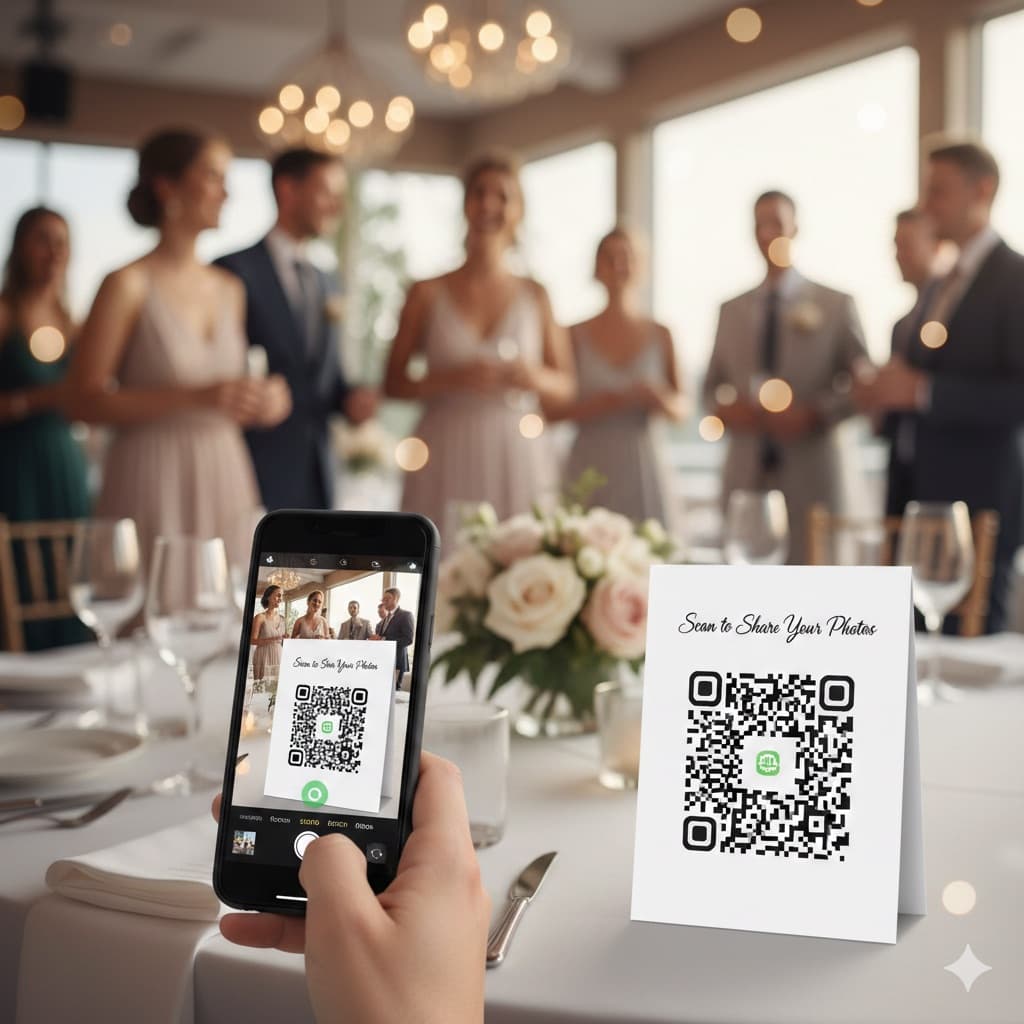
QR Code for Wedding Photos: How It Works and How to Set It Up (2026)
A QR code for wedding photos opens a private upload page in the guest's phone browser, so every guest can add photos without an app. Here is what guests see, what you see, how to print the code and where to put it.
Best Wedding Photo Apps 2026 (Ranked & Reviewed)
9 wedding photo apps ranked by participation rate, photo quality, setup time, and cost — including GuestPix, GuestCam, POV, and WedShoots. Browser-based QR code platforms collect 2× more photos than app-based alternatives.
Snapeen vs WedShoots: Honest 2026 Comparison
Snapeen and WedShoots both promise to collect your wedding guests' photos — but one requires an app download and the other doesn't. Here's an honest, numbers-first comparison of participation, pricing, and what you actually get.