Alternatives to Snapeen: An Honest Look at 8 Competitors
Thinking about your options beyond Snapeen for collecting wedding or event photos from guests? Here's a straight comparison of 8 real alternatives — what each one does well, where it falls short, and who it's actually right for.

Quick Answer
Alternatives to Snapeen fall into three groups: app-based platforms (WedShoots, The Wedding Album App) that trade participation for a polished in-app gallery; disposable-camera-style apps (POV, Lense) that cap photos per guest in exchange for a fun reveal mechanic; and free general tools (Google Photos, WhatsApp, Instagram) that cost nothing but compress photos or require an account. Waldo Photos solves a different problem — distributing a photographer's gallery via face matching, not crowdsourcing guest photos. For maximizing total guest photos with the least friction, no-download and no-cap still wins.
Quick answer
If you're researching alternatives to Snapeen, the honest answer is that most of them fall into one of three buckets: app-based platforms (WedShoots, The Wedding Album App) that trade guest participation for a more polished in-app gallery, disposable-camera-style apps (POV, Lense) that gamify the photo-collecting experience but cap how much guests can upload, and free, general-purpose tools (Google Photos, WhatsApp, Instagram) that cost nothing but come with real trade-offs in quality or participation.
None of these are bad products — several are genuinely good at what they're built for. This is a straight rundown of all 8, including where each one beats Snapeen and where it doesn't.
How these were evaluated
Every alternative below is compared on the same five criteria used across our other reviews:
- Guest participation rate — the percentage of guests who actually complete an upload, not just the ones who see the QR code or link
- Photo quality — original resolution vs. compressed
- Setup time — how long it takes the host to get a working link or code
- Live features — whether photos show up during the event itself
- Cost — what you actually pay, not just the advertised starting price
1. WedShoots
Type: App-based · Participation: 35–45% · Quality: Original · Cost: $49–99 per event
Guests download the WedShoots app, create an account, and upload through a polished in-app gallery with search and filtering that's genuinely nicer to browse than a browser dashboard. The trade-off is the install step: at a live event, asking guests to find an app store, download, sign up, and enter a code loses a meaningful share of people before they ever take a photo. It's the strongest pick here if your guest list is small, young, and already comfortable installing event apps.
Full comparison: Snapeen vs WedShoots
2. Waldo Photos
Type: App-based, AI face matching · Participation: 30–40% · Quality: Original · Cost: $50–150 per event
Waldo solves a different problem entirely — instead of crowdsourcing guest phone photos, it uses facial recognition to sort your professional photographer's gallery and deliver each guest their own photos automatically. If what you actually want is an easier way to distribute the photographer's shots after the fact, Waldo is worth a look. If you want to collect the candid, off-angle shots guests take on their own phones, it's not built for that.
3. POV
Type: Browser-based disposable camera · Participation: Moderate, capped by design · Quality: Original · Cost: Free for 10 guests or fewer, then scales from roughly $5 to $90 depending on guest count
POV leans into the disposable-camera concept: guests scan a code (no app download required), get a set number of shots per person, and the gallery can stay hidden until the day after the event — recreating the "wait for the film to develop" feeling. It's a fun mechanic for a party or rehearsal dinner. The photo cap is the catch: if you want every candid a guest happens to catch throughout the whole reception, a hard per-guest limit works against you, and pricing climbs with guest count rather than staying flat. Full breakdown: Snapeen vs POV.
4. Lense
Type: Browser-based disposable camera · Participation: Moderate, capped by design · Quality: Original · Cost: Varies by plan and guest count
Lense is close to POV in concept — a "point of view" disposable-camera style app guests can use without installing anything, built around the same delayed-reveal, limited-shot-count idea. It's a good fit if the vintage disposable-camera feel matters more to you than raw photo count. For weddings where the goal is maximizing total guest photos collected, the shot cap is the same limiting factor as POV.
5. The Wedding Album App
Type: App-based · Participation: 25–40% · Quality: Original · Cost: $39–79 per event
Does the basics competently — guests download the app, join with a code, upload into an organized gallery. It carries the same core limitation as any app-based tool: in testing, a large share of guests who see the download prompt never complete it. Reasonable for a small, uniformly tech-comfortable guest list; not the strongest choice for a 100+ guest wedding with a mixed-age crowd.
6. Google Photos shared album
Type: Browser-based, requires Google sign-in · Participation: 15–25% · Quality: Original · Cost: Free
Free and easy to set up, but the "sign in with Google" prompt acts as its own install barrier — guests who aren't already logged in on their phone, or don't want to deal with two-factor authentication mid-reception, simply don't bother. Fine for a small gathering under 20–25 people where you already know everyone has a Google account; not a strong option for a full wedding guest list.
7. WhatsApp group
Type: Messaging group · Participation: 35–50% share at least one photo · Quality: Compressed 40–70% · Cost: Free
Most guests already have WhatsApp installed, which helps initial participation. The catch is compression — WhatsApp shrinks every photo that passes through it, which shows up as pixelation or washed-out detail the moment you try to print anything or blow it up for a photo book. It also turns into a scrolling group chat rather than a gallery, so photos get buried under messages within a day.
8. Instagram hashtag
Type: Social hashtag · Participation: 10–20% · Quality: Compressed, filtered · Cost: Free
The lowest-participation option on this list. Only guests already active on Instagram will post, photos are compressed on the way in and again if you download them, and anything posted under a public hashtag is visible to anyone — a real consideration if privacy matters to you. Works fine as a way to generate a few public posts about the day; not a serious option for building a complete private photo archive.
Full comparison table
| Alternative | Type | Participation | Quality | Cost |
|---|---|---|---|---|
| Snapeen | Browser, no download | Highest (no app) | Original | Free–$49.99 |
| WedShoots | App | Lower (install + account) | Original | $49–99 |
| Waldo Photos | App + AI | Lower (install) | Original | $50–150 |
| POV | Browser, capped shots | Moderate | Original | Free–~$90 |
| Lense | Browser, capped shots | Moderate | Original | Varies |
| The Wedding Album App | App | Lower (install) | Original | $39–79 |
| Google Photos | Browser + Google login | Low (sign-in) | Original | Free |
| WhatsApp group | Messaging | Medium (group join) | Compressed | Free |
| Instagram hashtag | Social | Low (public posts only) | Compressed | Free |
When an alternative actually makes more sense than Snapeen
Waldo, if your priority is automatically distributing your photographer's gallery to guests rather than collecting guest-taken photos — the two tools can even be used together.
POV or Lense, if the disposable-camera reveal mechanic is the experience you want for a smaller, lower-guest-count event like a rehearsal dinner or engagement party, and you're fine with a hard cap on shots per person.
WedShoots, if your guest list is small, uniformly young, and you'd rather have a curated in-app gallery than maximize raw photo count.
For everything else — mixed-age guest lists, weddings over 80 guests, or any event where the goal is simply collecting as many real, original-quality guest photos as possible with the least friction — the no-download, no-cap model is the one that keeps winning on the metric that actually matters: how many guests finish the upload.
"But Snapeen deletes your photos" — the objection, answered
If you've read a competitor's "Snapeen alternative" page, you've probably seen the storage window presented as the reason to switch. Here's the honest version. Standard Snapeen plans keep your gallery for a stated period — 7, 30, or 90 days depending on plan — and you can export everything as a ZIP at any point during it. That's not a trap: it's printed on the pricing page, and your dashboard shows the countdown from day one. And if you want zero deadlines, Snapeen Memories ($49/year or $5.99/month) keeps every photo and video from every event permanently. Weigh that honestly against the alternatives above: most either charge more per event, compress your photos, or require an app download that cuts guest participation in half. A storage window you can remove for $49/year is a weaker reason to switch than it first sounds.
The bottom line
Every alternative on this list is a legitimate product solving a slightly different version of the same problem. The honest differentiator is friction: anything that asks a guest to install an app, log into an account, or stops at a fixed photo limit will collect fewer total photos than a plain browser link with no cap. That's the trade every one of these alternatives makes in exchange for something else — a nicer gallery, a disposable-camera feel, or a $0 price tag.
See also: Snapeen vs WedShoots: Honest 2026 Comparison · Best Wedding Photo Apps 2026 (Ranked & Reviewed) · Snapeen Review 2026: Is It Worth It? · QR Code for Wedding Photos: The Complete 2026 Guide
Frequently Asked Questions
Standard plans store your gallery for a stated window (7–90 days by plan) with unlimited ZIP downloads during that time — the countdown is shown upfront, not hidden. The Snapeen Memories subscription ($49/year or $5.99/month) removes the window entirely and keeps every photo and video from all your events forever.
It depends what you're optimizing for. If you want the closest experience to Snapeen's no-download model, POV or Lense are the nearest browser-based alternatives, though both cap photos per guest. If a curated in-app gallery matters more than raw photo count, WedShoots is the strongest app-based option.
They're better for a specific experience — a vintage disposable-camera feel with a delayed reveal — but not for maximizing total guest photos, since both cap the number of shots each guest can take. Snapeen has no per-guest cap on paid plans, which matters most for weddings over 80 guests.
No — they solve different problems. Waldo uses facial recognition to sort and deliver a professional photographer's existing gallery to guests. Snapeen crowdsources new photos guests take themselves on their own phones. Many couples use both: Snapeen for guest-taken candids, Waldo for distributing the photographer's shots.
Both are free but come with real trade-offs. Google Photos requires guests to be signed into a Google account, which caps participation around 15–25%. WhatsApp compresses every photo by 40–70%, which shows up as visible quality loss if you ever print the photos or put them in an album.
Topics

Written by
Alex Morgan
Helping couples and event planners capture every precious moment with modern QR code photo sharing technology.
Ready to collect your event photos?
Set up your QR code in 2 minutes. Guests scan and upload instantly — no app needed.
Continue Reading
Related Articles
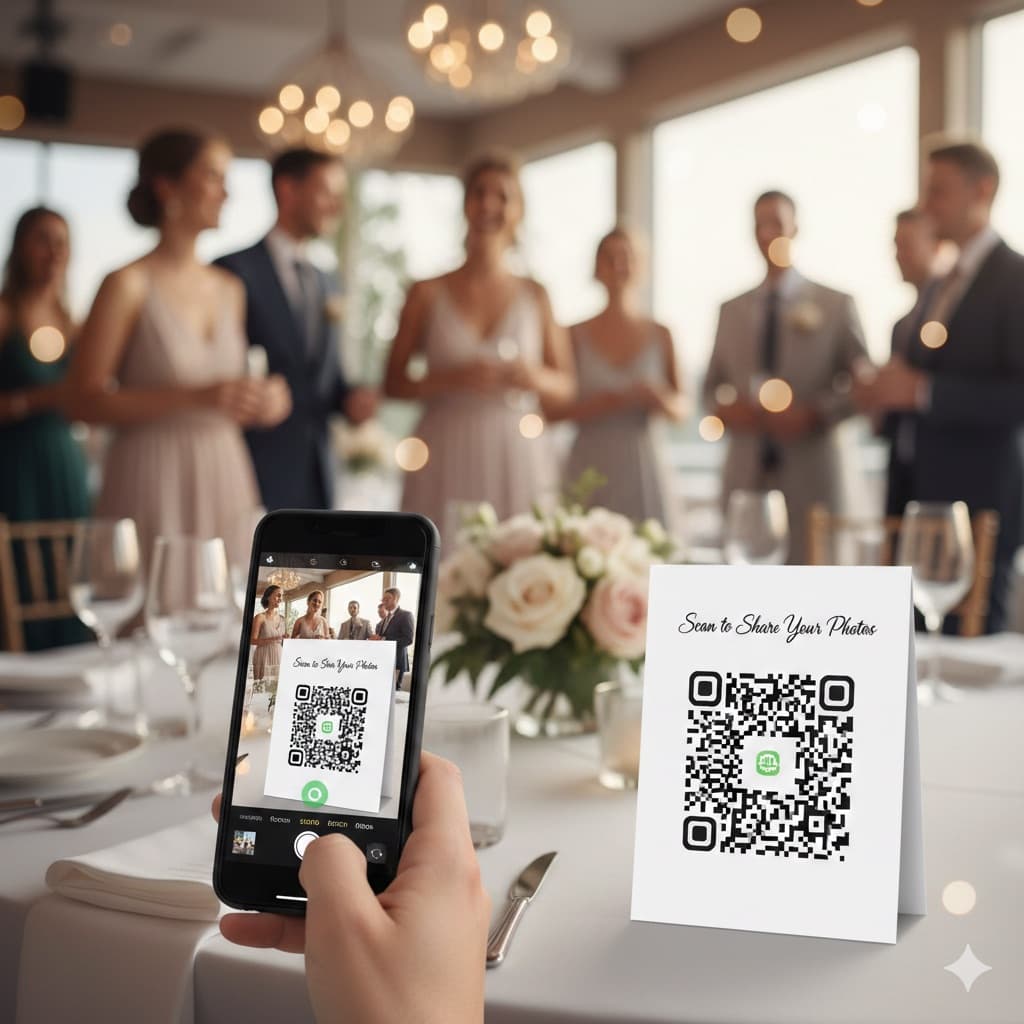
QR Code for Wedding Photos: How It Works and How to Set It Up (2026)
A QR code for wedding photos opens a private upload page in the guest's phone browser, so every guest can add photos without an app. Here is what guests see, what you see, how to print the code and where to put it.
Best Wedding Photo Apps 2026 (Ranked & Reviewed)
9 wedding photo apps ranked by participation rate, photo quality, setup time, and cost — including GuestPix, GuestCam, POV, and WedShoots. Browser-based QR code platforms collect 2× more photos than app-based alternatives.
Snapeen vs WedShoots: Honest 2026 Comparison
Snapeen and WedShoots both promise to collect your wedding guests' photos — but one requires an app download and the other doesn't. Here's an honest, numbers-first comparison of participation, pricing, and what you actually get.