How to Collect Photos from 200+ Wedding Guests
Large guest lists create a photo collection problem that small weddings don't have. Here's the exact system — placements, scripts, follow-ups — that gets 60%+ participation when you're working with 200 or more people.

Quick Answer
At 200+ guests you need five QR code placements (table cards, bar, entrance, programs, bathrooms), two scripted DJ announcements, and a follow-up message the morning after. This combination reliably produces 55–70% guest participation and 700–1,400 photos. One placement, one announcement, and no follow-up produces a third of that.
Why 200+ guests is a different problem
At a 50-person wedding, you can make one announcement and most people will hear it. At 200, you're managing 15–20 tables across a large venue, often with a loud band, multiple rooms, and guests who are far enough from the stage that they genuinely didn't catch what was said. The standard advice — print a QR code and put it in the ceremony program — was written for smaller weddings.
At 200+ guests, participation doesn't happen automatically. It's the result of multiple exposures at the right moments, in the right places, with the right prompts.
This guide covers the exact system that works at scale: where to place QR codes, what scripts to use, how to handle the volume of photos that comes in, and what to do the morning after to collect everyone who didn't upload during the event.
What to expect from a 200-person wedding
Based on data from Snapeen events, large weddings (150–300 guests) with a well-executed collection strategy see:
- 55–70% guest participation — meaning 110–140 individual guests uploading photos out of 200
- 6–10 photos per active uploader on average
- Total gallery: 700–1,400 photos in a single evening, excluding the professional photographer's delivery
These numbers assume at least three QR code placements and one DJ announcement. Drop either of those and participation falls to 25–35%.
The photographer will deliver 400–600 edited images for a 200-person wedding (roughly 2–3 per guest, selectively). Guest photos fill in everything the photographer couldn't cover: candid table conversations, group selfies in the bathroom mirror, kids running on the dance floor, the grandmother crying during the vows from a different angle.
Why a single QR code placement fails at scale
Most couples print one QR code — in the program, on a welcome sign, or on the table card at the sweetheart table — and wonder why only 30 people uploaded. There are three reasons single-placement fails at large weddings:
Programs get lost. At a 200-person ceremony, programs end up under chairs, in coat pockets, and at the bottom of bags. By the time dinner starts, 60–70% of guests have set them aside and forgotten about them.
Not everyone reads the table card. At larger receptions, table cards are often decorated with the couple's names and ignored after guests find their seat. Cards that don't explicitly say "SCAN TO SHARE YOUR PHOTOS" in clear, large text get treated as décor.
The room is too large for a single sign. A 6×6 foot sign near the entrance is visible to the 40% of guests who happen to walk past it. Guests seated at back tables may never pass it.
The fix is redundancy: four to five placements that catch guests at different moments throughout the night.
The 5-placement strategy for 200+ guests
1. Table cards — one per table, at least 15–20 tables. This is non-negotiable and the highest-yield placement. Each card should be 4×6 inches minimum, with the QR code on one side and "Scan to share your photos" in large text on the other. Printed at a local shop or Canva, cost is $35–50 for 20 cards. This placement alone typically drives 50–55% of all uploads because every guest is within arm's reach of a code throughout dinner and dancing.
2. The bar — every bar station. Guests waiting for a drink are already holding their phones. A small card taped to the bar face or a small framed sign on top of the bar catches them at exactly the right moment. At venues with multiple bars, put a card at each one. Cost: $5–10 in print materials.
3. The entrance/escort card table. Guests stop here, often for 1–2 minutes, collecting their escort cards. Position a framed QR code print next to the escort cards so every guest encounters it before they find their seat. This is the earliest possible exposure — some guests will upload a getting-ready or ceremony photo before dinner even starts.
4. The ceremony programs (200 copies). A small QR code printed at the bottom of the back page costs nothing extra if you're already printing programs. It's a backup exposure for guests who want to upload a ceremony moment. Don't rely on this as a primary placement.
5. The bathrooms. A card on the counter of the women's bathroom and the men's bathroom. Guests waiting in line or washing hands have a natural reason to look at their phone. This is a quiet, high-exposure placement that most couples overlook. Print a simple 5×7 sign and tape it to the wall above the sink. Cost: $2–3 in print materials.
DJ and MC scripts for large venues
The DJ or MC announcement is the highest-leverage single action you can take. At a 200-person wedding in a large room, the announcement reaches every guest simultaneously — nothing else you do has that reach.
Write the script in advance and hand it to the DJ the week before. Do not leave it to improvisation.
Announcement 1 — start of dinner service:
"Before we get into the evening — [Name] and [Name] want to see your photos from today. Every table has a small card with a QR code on it. Point your phone camera at the code, tap the link that pops up, and you can upload photos directly — no app, no account, just your phone. They can see your photos in real time on the screen behind me. Takes about ten seconds. Start uploading."
Announcement 2 — after the first dance or immediately following a key moment:
"Quick reminder for anyone who hasn't uploaded yet — the QR code is right there on your table. [Name] and [Name] are already at [X] photos, and we've still got the whole evening ahead. If you took any photos during the ceremony or cocktail hour, now's the perfect time."
Mention the live photo count in Announcement 2. Seeing "347 photos already" creates social proof — people who haven't uploaded yet feel like they're contributing to something, not just sharing into a void.
Optional: toast mention. If a best man or maid of honor is giving a speech, a single sentence at the end costs nothing: "And while I have everyone's attention — Sarah and John are collecting all your photos through the QR code on your table. Upload the ones from today. They'll be grateful." Peer-to-peer prompts from a beloved wedding party member outperform any signage.
Managing 700–1,400 photos
At 200 guests with good participation, you'll receive photos continuously through the evening and the next 24 hours. The Snapeen dashboard updates in real time — you can watch the gallery fill up on your phone from the dance floor.
A few practical notes on managing the volume:
Don't moderate in real time. It's your wedding night. Let the uploads come in. Handle moderation — removing duplicates, blurry shots, or anything you don't want — the week after you return from the honeymoon.
Download within 10 days. Set a calendar reminder on your phone before the wedding day. Storage windows vary by plan, and life moves fast after a wedding. The Premium plan ($49.99) covers full storage without a countdown, but the habit of downloading early is worth building regardless.
Back up in two places. Download the ZIP file from Snapeen, upload it to Google Photos or iCloud (one copy), and copy it to an external hard drive or a second cloud service (second copy). Guest photo galleries are irreplaceable — one backup is not enough.
Sort by upload time, not filename. The timeline of the event is built into the upload sequence. Photos from the ceremony arrive first, followed by cocktail hour, then dinner and dancing. This chronological structure makes it easy to relive the day in order.
The day-after follow-up
For a 200-person wedding, you'll typically see 30–40% of your total uploads arrive in the 24 hours after the event. Guests who were too busy dancing to upload during the reception will do it the next morning over breakfast.
Send a follow-up message the morning after — or have a trusted family member send it if you're on a honeymoon morning. The message should go to every guest group: family group chat, wedding party text thread, and ideally a broadcast via the venue coordinator or planner if they have contact details.
"[Name] and [Name] are collecting wedding photos through the QR code from last night — [link]. If you took any photos yesterday and haven't uploaded yet, they'd love to see them. Takes 30 seconds."
This single message typically adds 15–25% more uploads to the final count. Guests who genuinely wanted to share but forgot or got distracted will act immediately when reminded the morning after.
What not to do at a large wedding
Don't use a WhatsApp group. Beyond the 70% compression issue, a 200-person WhatsApp group is a nightmare to manage. The group chat fills up with videos, replies, and notifications before the reception is over. Guests opt out. Photos get buried.
Don't rely on guests emailing you. Asking 200 people to email you photos individually produces 15–20 emails, each requiring a response, with photos scattered across six different accounts. The friction is too high for most guests to bother.
Don't print only one QR code. This bears repeating: at 200 guests, one placement produces one-third the participation of five placements.
Don't forget to test the QR code on both iPhone and Android before the wedding day. Print your test code a week before, scan it yourself on both platforms, and do a test upload. On the day, you don't want to discover the code links to a broken URL.
Setup checklist: 200+ guest wedding
6 weeks before:
- Create your Snapeen event (name, date, welcome message)
- Download the QR code as high-resolution PNG
- Order table cards (print at Canva or local shop)
- Order entrance framed print
- Order bathroom signs
1 week before:
- Test QR code on iPhone and Android
- Write DJ announcement scripts and send to DJ
- Brief best man/maid of honor on the toast mention
- Confirm Premium plan is active (needed for 200+ guests)
Day before:
- Set up all placements (table cards, entrance, bathrooms, bar signs)
- Confirm live slideshow is showing in the venue
Day after:
- Send follow-up message to all guest groups
- Download gallery as ZIP backup
7–10 days after:
- Complete moderation pass
- Share read-only gallery link back to guests
- Order photo book from best images
See also: How to Set Up a Wedding QR Code in Under 5 Minutes · Wedding Photo App vs WhatsApp Group · 10 Creative Ways to Display a QR Code at Your Wedding
Frequently Asked Questions
With a well-executed QR code system — table cards at every table, two DJ announcements, and a morning-after follow-up — you can expect 55–70% participation. At 200 guests that's 110–140 uploaders. At an average of 6–10 photos each, the total gallery typically reaches 700–1,400 photos. Without any system, expect 20–30 photos from the few guests who email you voluntarily.
A QR code system like Snapeen is the most effective method for large weddings. Guests scan a code at their table, browser opens, and they upload photos directly — no app or account required. Print QR codes on table cards (one per table), the bar, entrance, and bathrooms. Two DJ announcements and a morning-after follow-up message complete the system.
No. WhatsApp compresses photos by up to 70%, making prints impractical. A 200-person group generates constant notifications that prompt guests to leave. Many older guests don't have WhatsApp or can't join groups without manual acceptance. And there's no way to organize or search 200 people's uploads. For large weddings, a dedicated QR code platform handles scale and quality that WhatsApp can't.
At least four: a table card at every table, a sign at every bar station, a framed print at the entrance/escort card table, and bathroom signs. A fifth placement — QR codes in ceremony programs — adds reach during the ceremony. More placements directly translate to higher participation: each additional placement catches guests who missed the previous one.
Twice: once at the start of dinner service (when all guests are seated and phones are out), and again after the first dance or another key moment. In the second announcement, mention the live photo count — "Sarah and John already have 400 photos" — to create social proof. Also brief the best man or maid of honor to mention it at the end of their toast for peer-to-peer reach.
Topics

Written by
Alex Morgan
Helping couples and event planners capture every precious moment with modern QR code photo sharing technology.
Ready to collect your event photos?
Set up your QR code in 2 minutes. Guests scan and upload instantly — no app needed.
Continue Reading
Related Articles
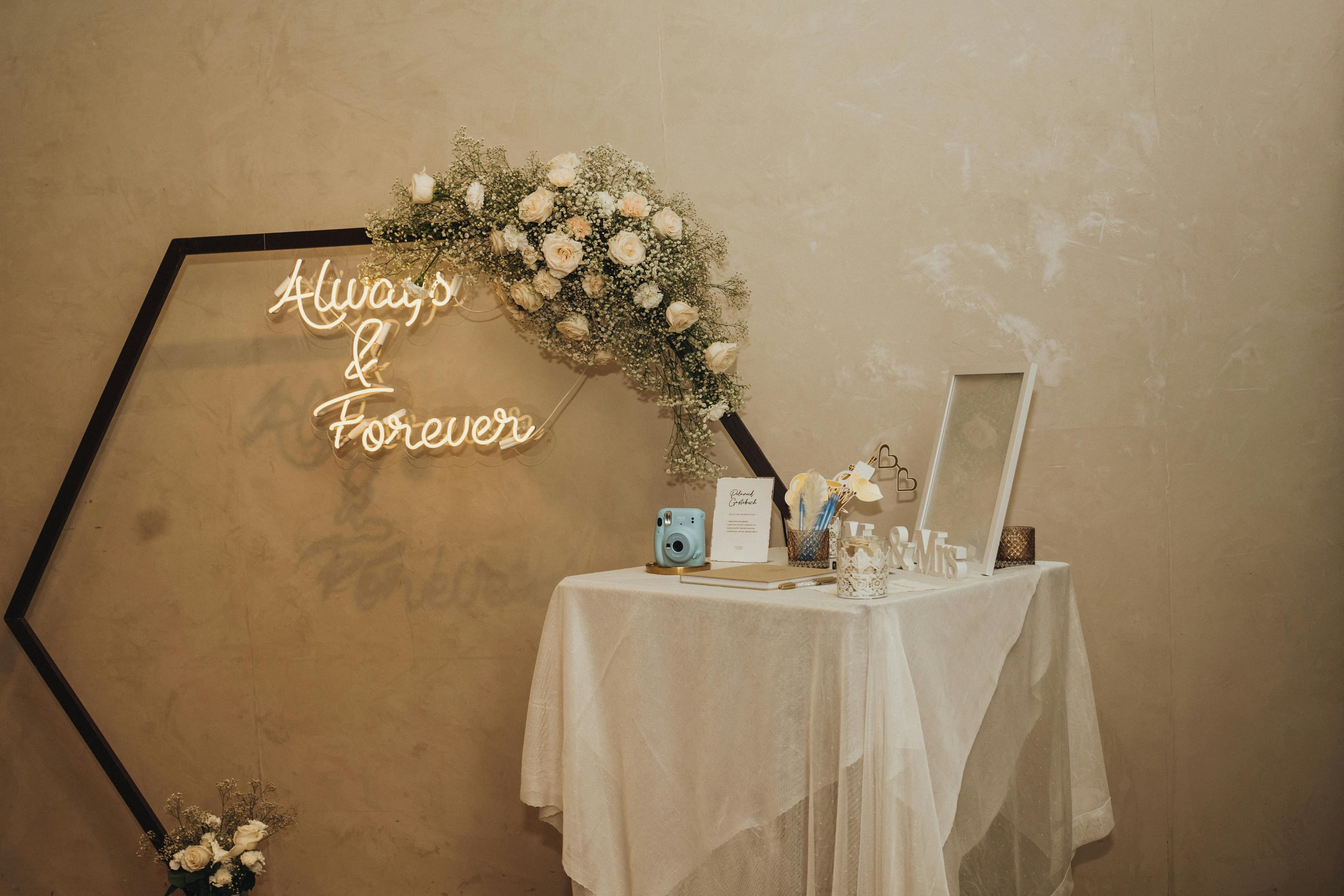
Disposable Cameras at Weddings: Do They Still Work in 2026?
Disposable cameras at weddings are having a comeback — but the reality of development costs, lost cameras, and unusable photos is different from the aesthetic. Here's an honest look at what they actually deliver and when they're worth it.
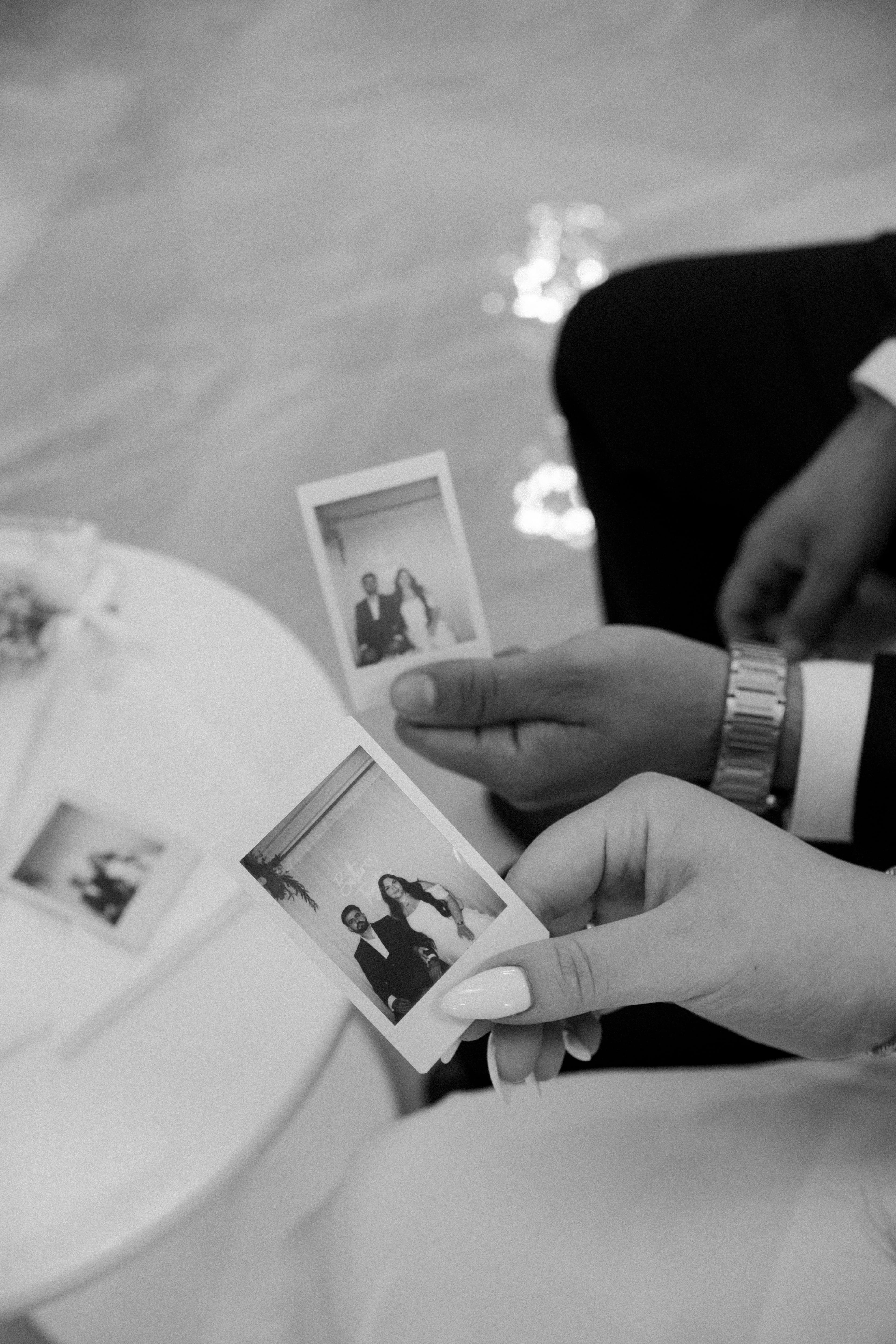
What to Do with Wedding Photos After the Wedding: A Step-by-Step Guide
Your professional gallery arrives, your guest photos are scattered across phones, and suddenly it's been six months and nothing has been backed up, sorted, or printed. Here's the exact order to handle wedding photos after the big day.